Part One:
The basic solar system
The first task of the project was to replicate the Solar System Project from the Derakshani text.
A few differences from the original:
- The planets have color.
- The background has been coloured black to fit the theme of space.
- The sun's surface has a little glow to make it look more sun like.
- The planets move at different rates.
Part Two:
The dance of the stars
The second task was to apply my own spin to the solar system, changing anything I wanted to.
The animation
The steps and changes
I first started by adding an actual light source in the sun, so the planets are illuminated by an actual light source instead of global illumination.
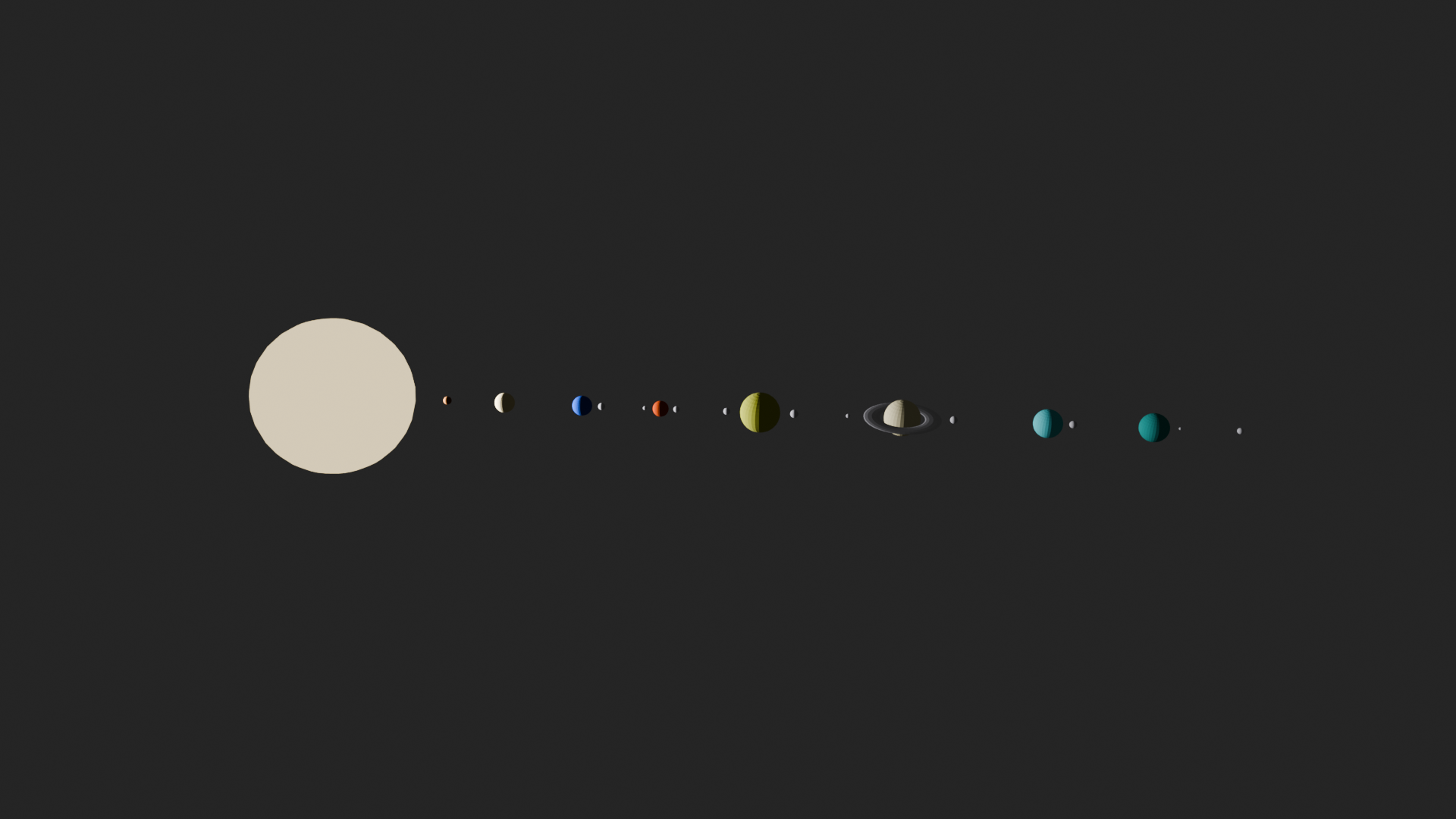
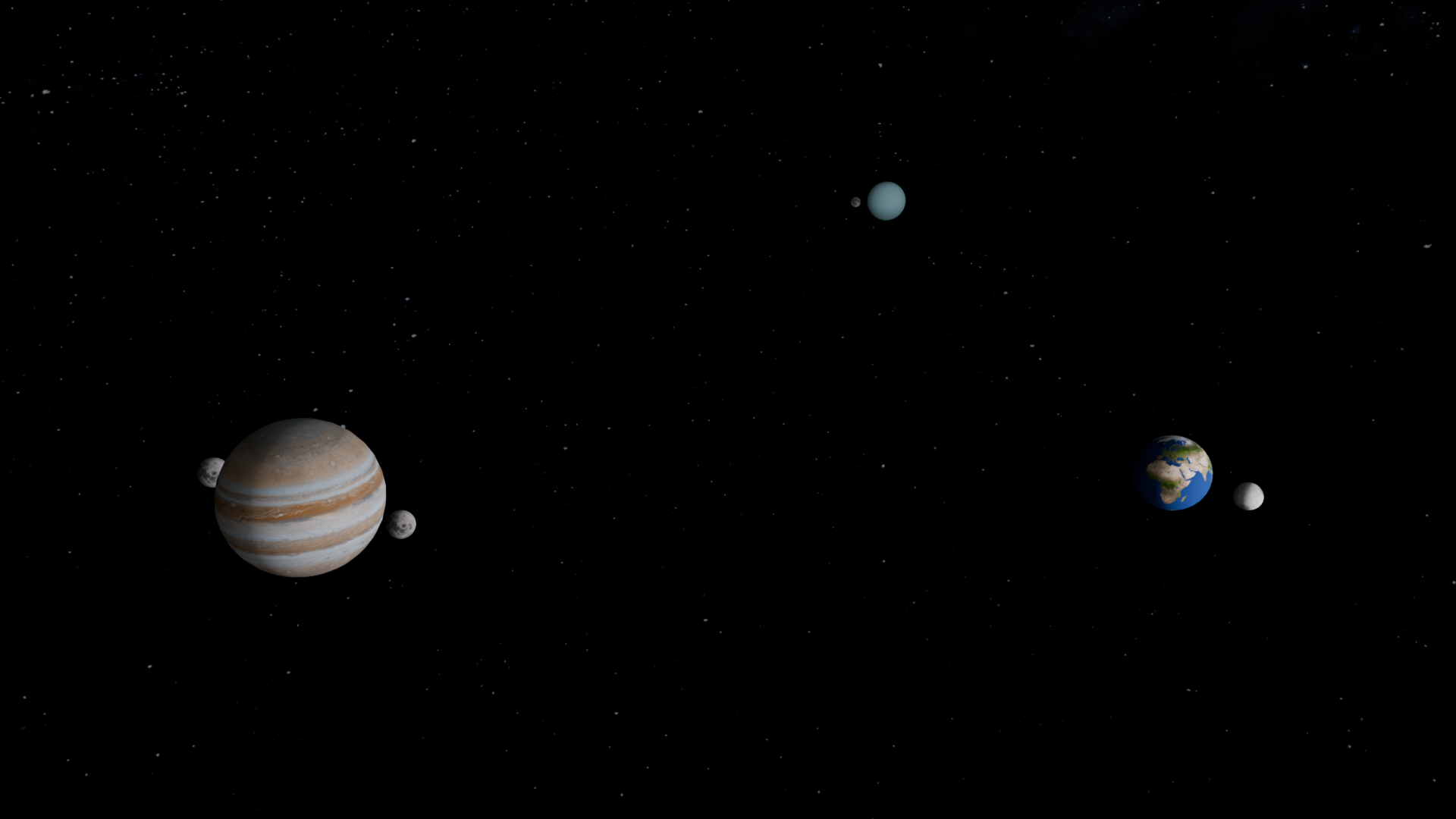
The second step I took was to add textures to all the planets. I found the textures here.
One note is that all spheres will continue to look very "polygonal." This is not the fault of the mesh and can be easily fixed
by turning on "Smooth shading" that will make the planets look smooth, at least from a distance.
I also added a background since I was here, so it no longer looks as empty as before.
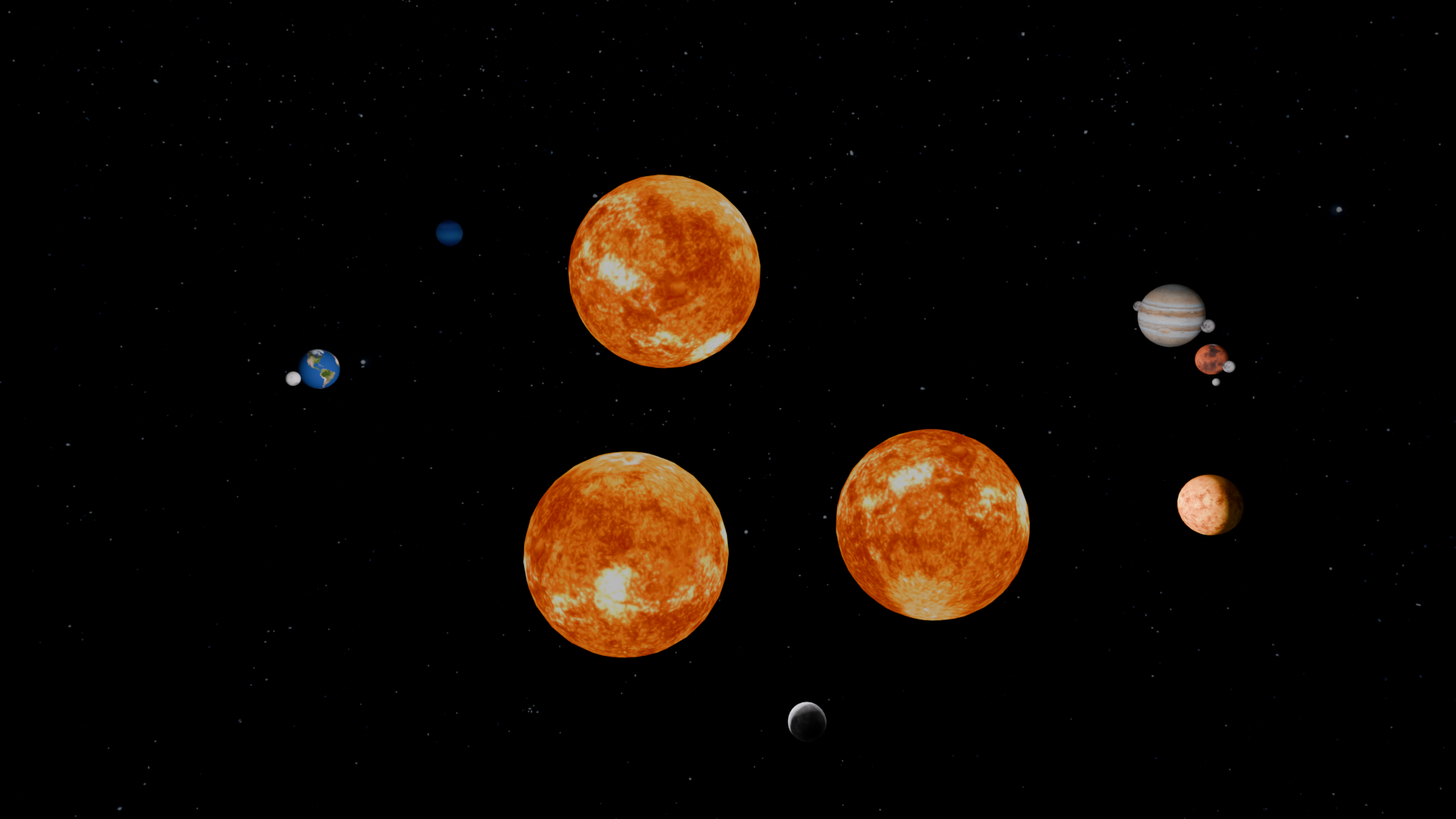
The third step I did was to add two more suns. Yes. Three more suns, and they all revolve each other like in a wave like pattern. This was a bit complicated to achieve, but with the use of bezier curves and messing around with the Blender's graph editor, I was able to achieve the look I was going for.
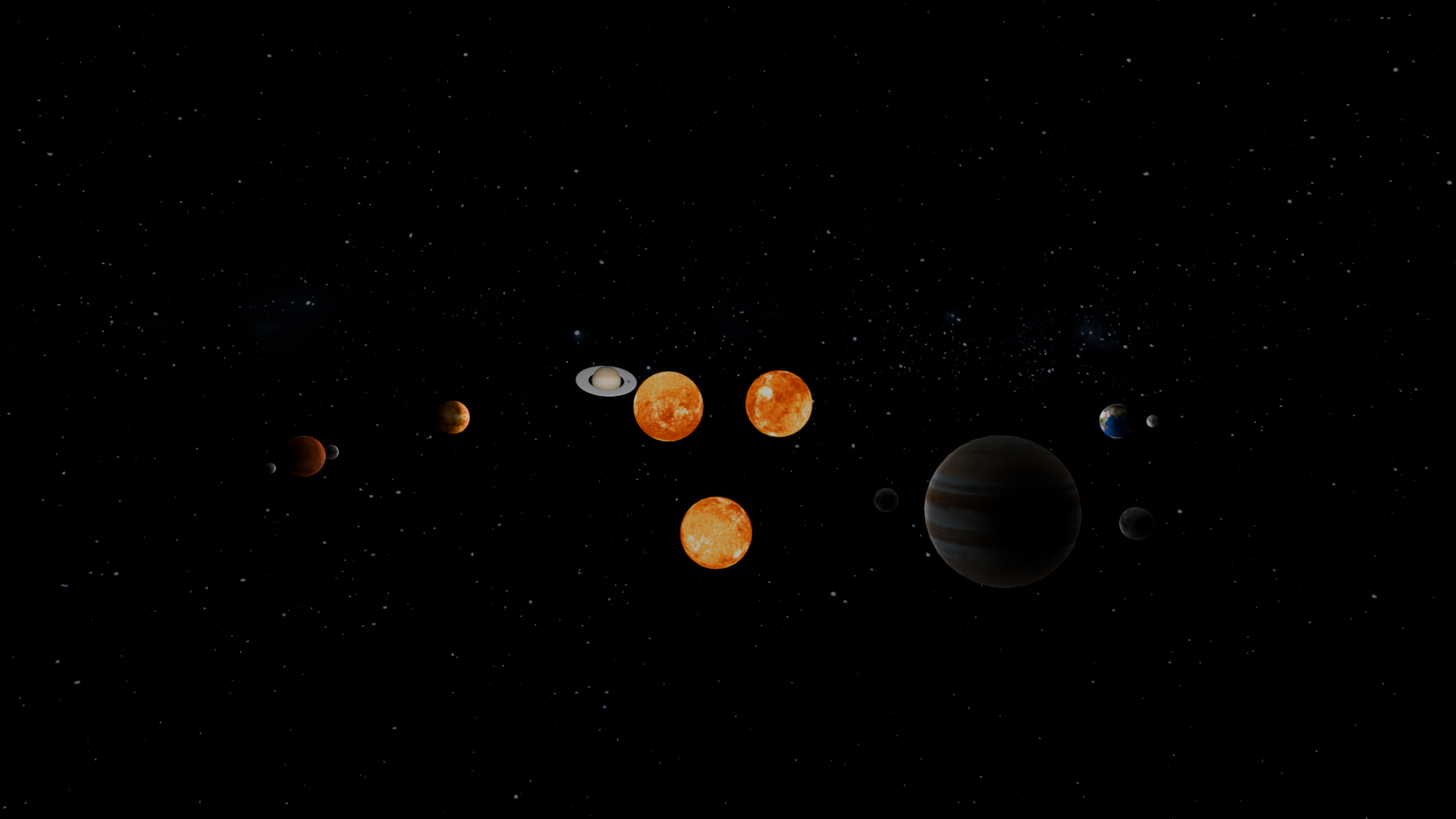
The last major step I took was messing with the camera. I thought of replicating the
fancy scene transitions you can sometimes see in movies where the camera goes through a wall
and the entire scene changes.
Interestingly, you are able to keyframe every property of an object, even its visibility. So, first,
I moved the camera around and lined it up with Jupiter roughly 3/4th through the animation. Then, using
that frame as the boundary, I toggled off the visibility of every object that would be visible after Jupiter
swipes the screen.
From there, I worked backwards, moving the camera to a position that would animate pleasingly (roughly top left and back) to its final
position in front (back?) of Jupiter.
This was quite a challenging affair, but the outcome was satisfying.
For context, the two following images are only a few frames apart. That is how I animated the transition.
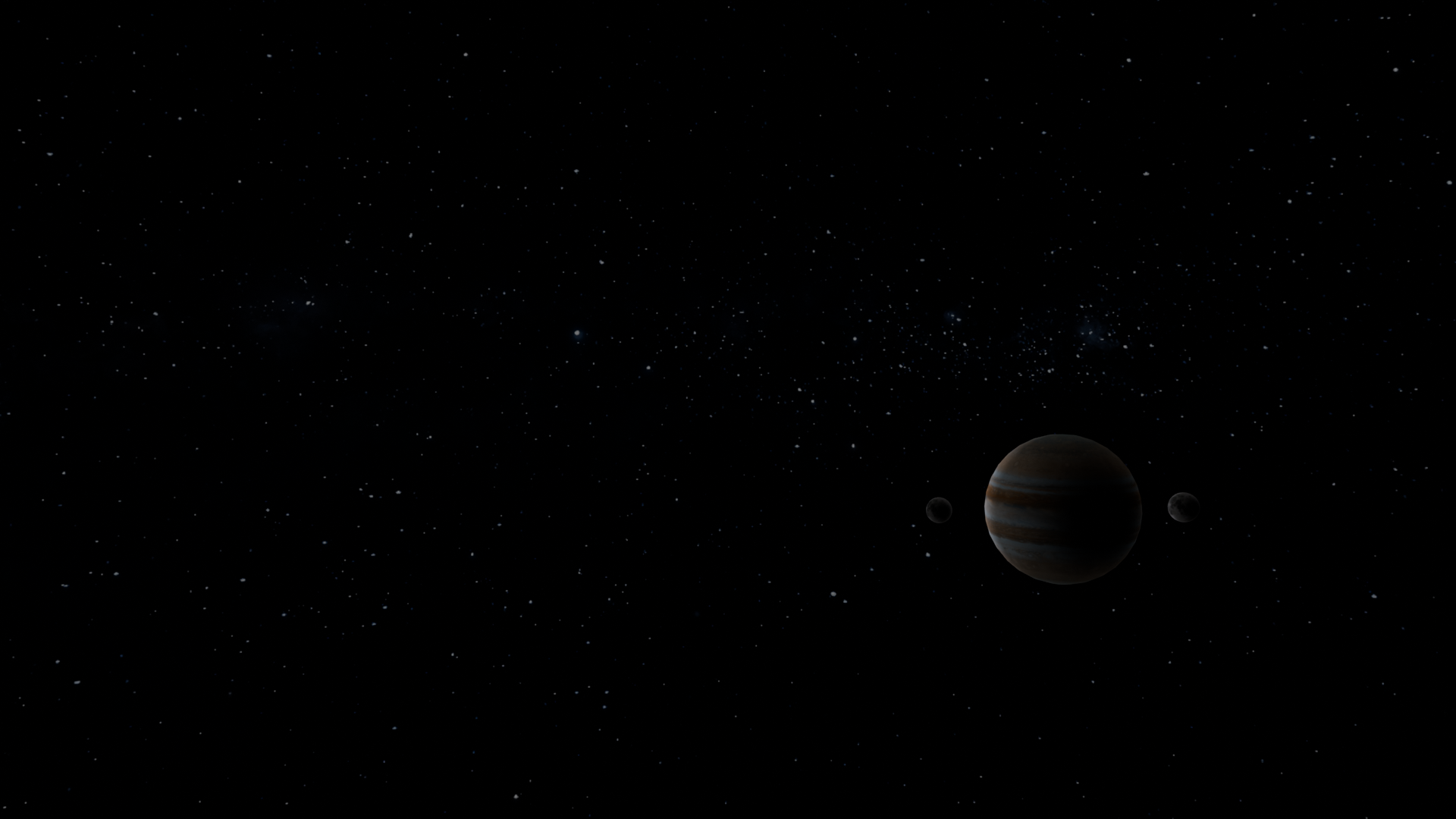
A few additional details:
- Added a bit of global illumination to make the shadows less harsh.
- The sun's material is actually emissive, giving it a subtle glow and preventing light from interacting with the object.
- This is a proper, but basic, render instead of a playblast of the viewport since I wanted to use the camera.