The storyboard
The first part of the assignment was to create a storyboard for the animation, showcasing the story the ball will go through.
The core idea is the ball will bounce through various seasons, performing actions that roughly represent the activities that take place during that season. The scenes will transition according to the beat of the song, and the contents of each scene are to be as lighthearted/spirited as the song is.
The Animation and the Disney's 12 Principles of Animation
The animation
Disney's Twelve
Principle 1: Squash and Stretch
As it can be seen throughout the animation, Squash and Stretch has been used extensively. The following scene shows the eased in (but not eased out) stretch of the ball as it falls, the squish when it lands, and its transition from a squash to a stretch to jump again.
Principle 2: Staging
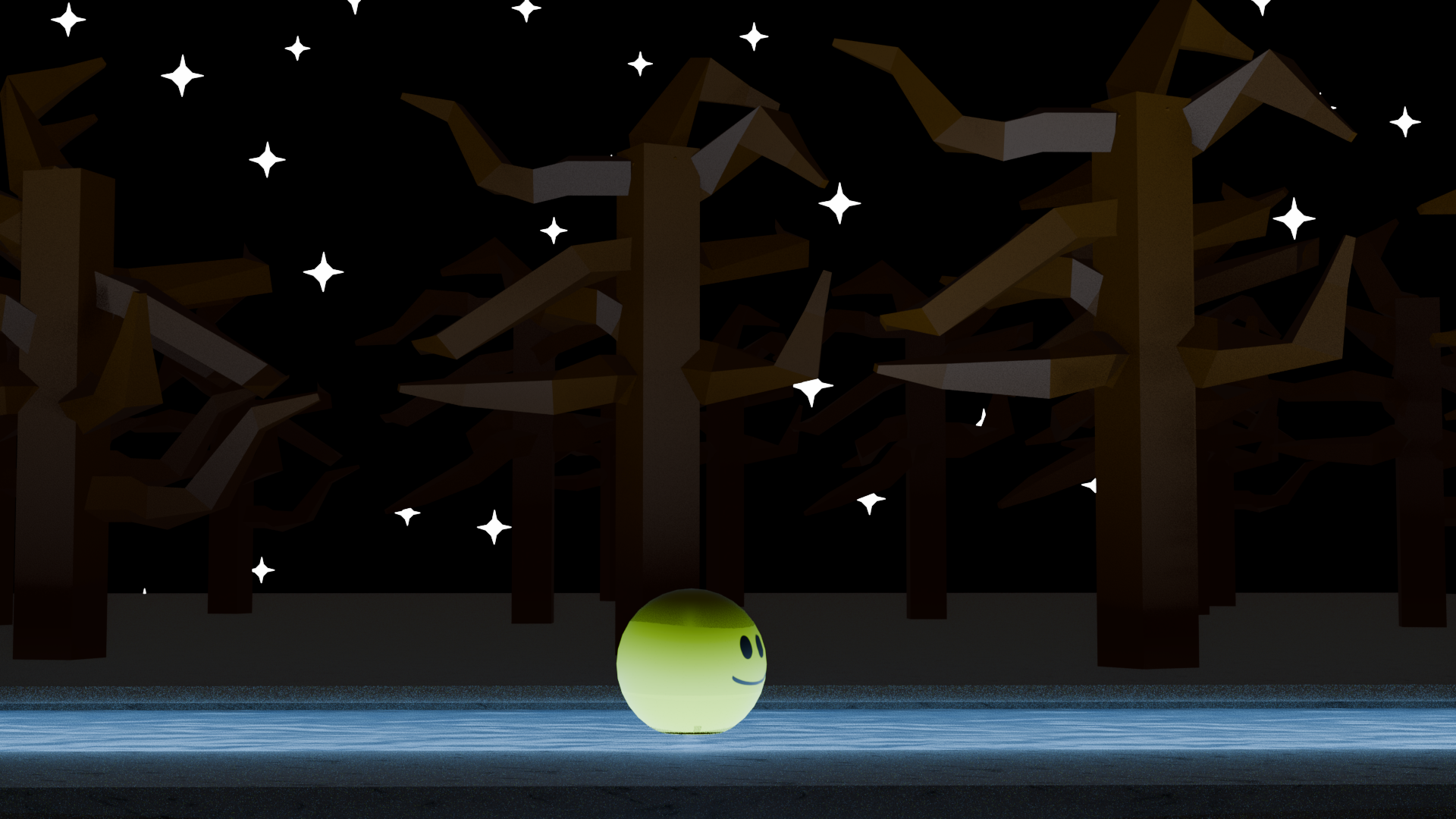
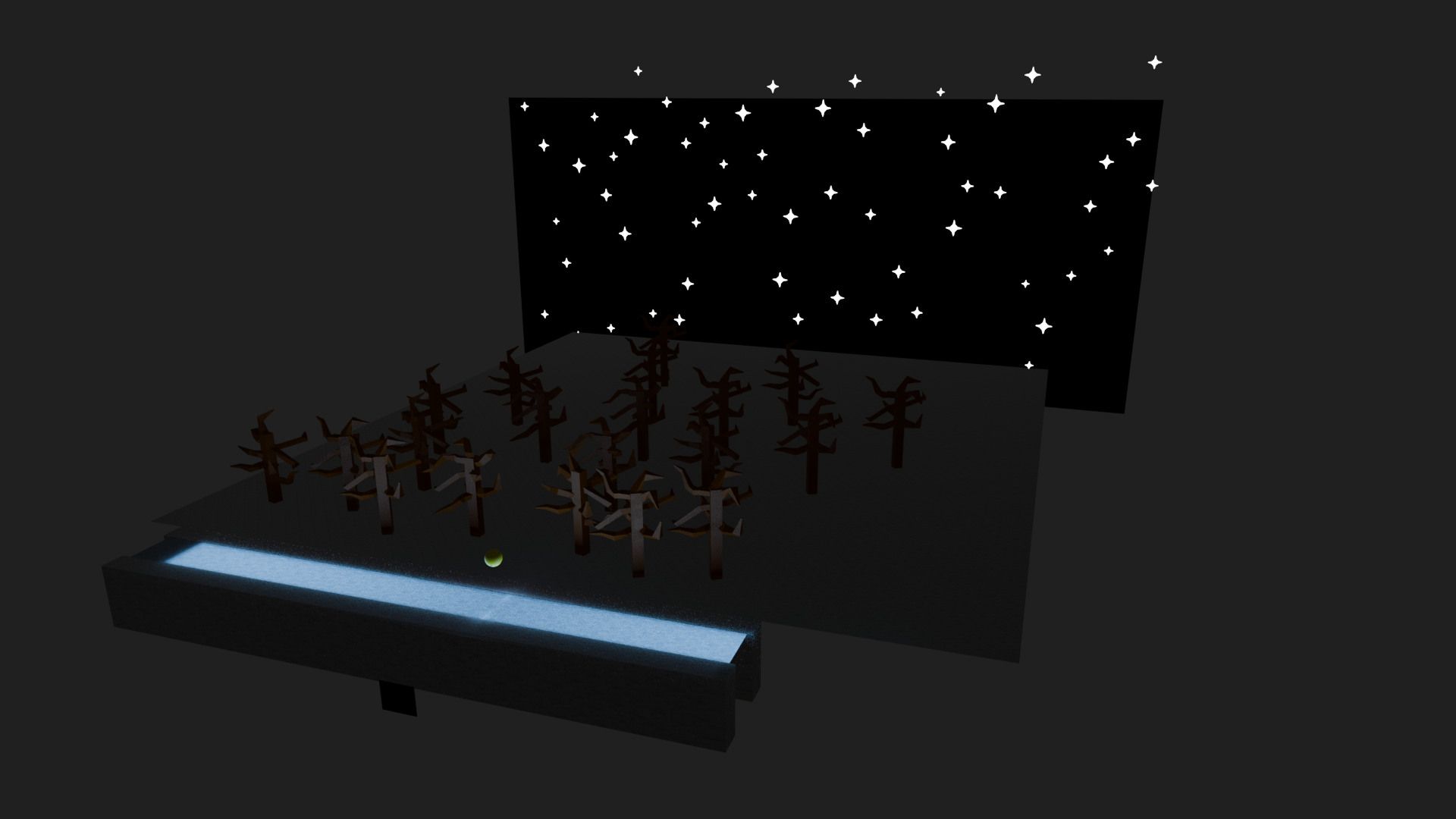
Different seasons meant different moods, and thus meant different attempts at staging. This is most apparent in the winter scene where the ice is made to glow, drawing the attention of the viewer to focus on the ball ice skating and falling on its face. The trees are still there in the background, but with the path being the only source of light, they do not interfere with the scene.
Principle 3: Anticipation
Most, if not all to the extent possible, utilized Anticipation with any squashes and stretches. All jumps, or movements had some sort of lead up to the extent possible
Stills and Behind the Scenes of the Animation
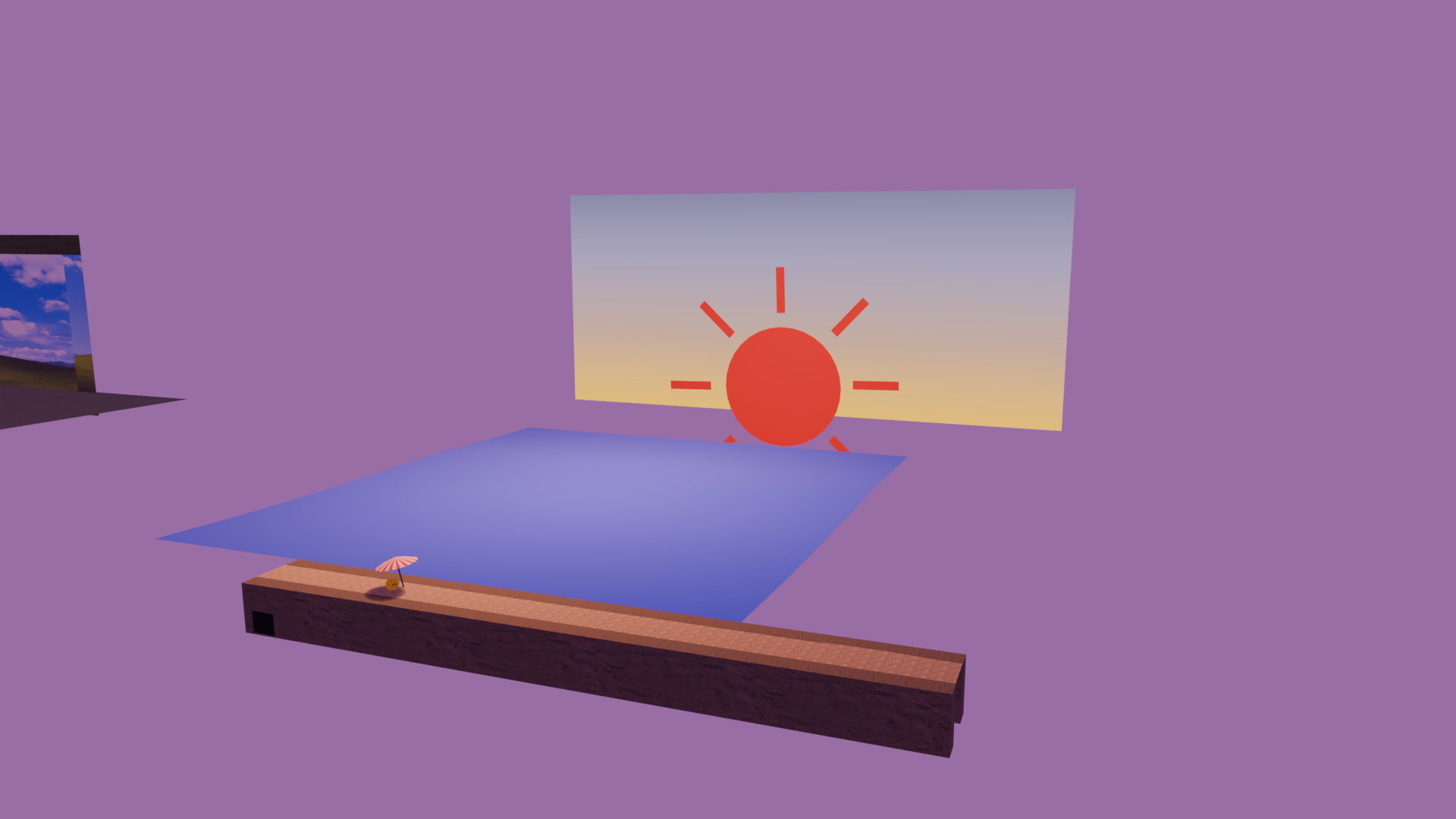
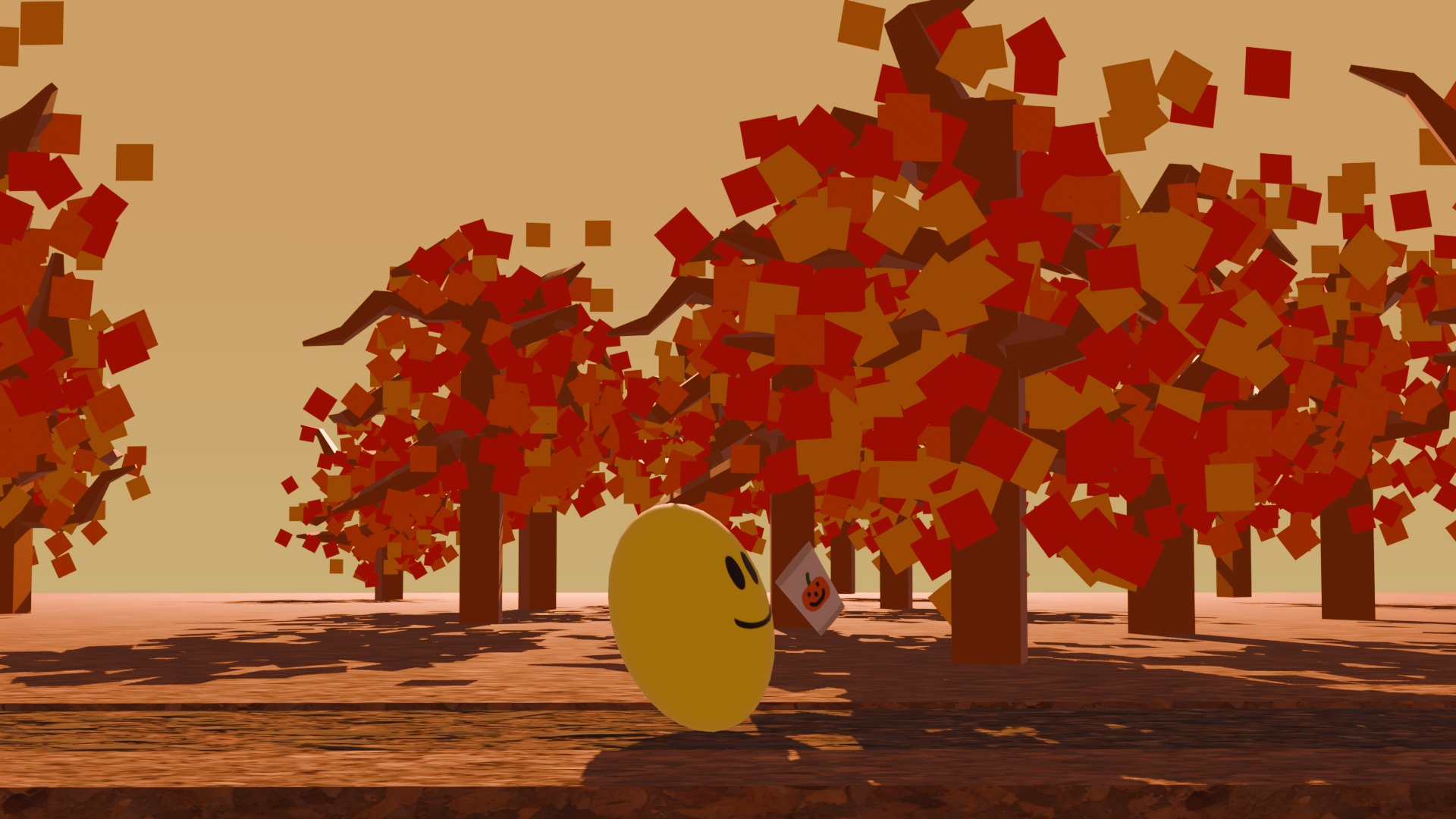
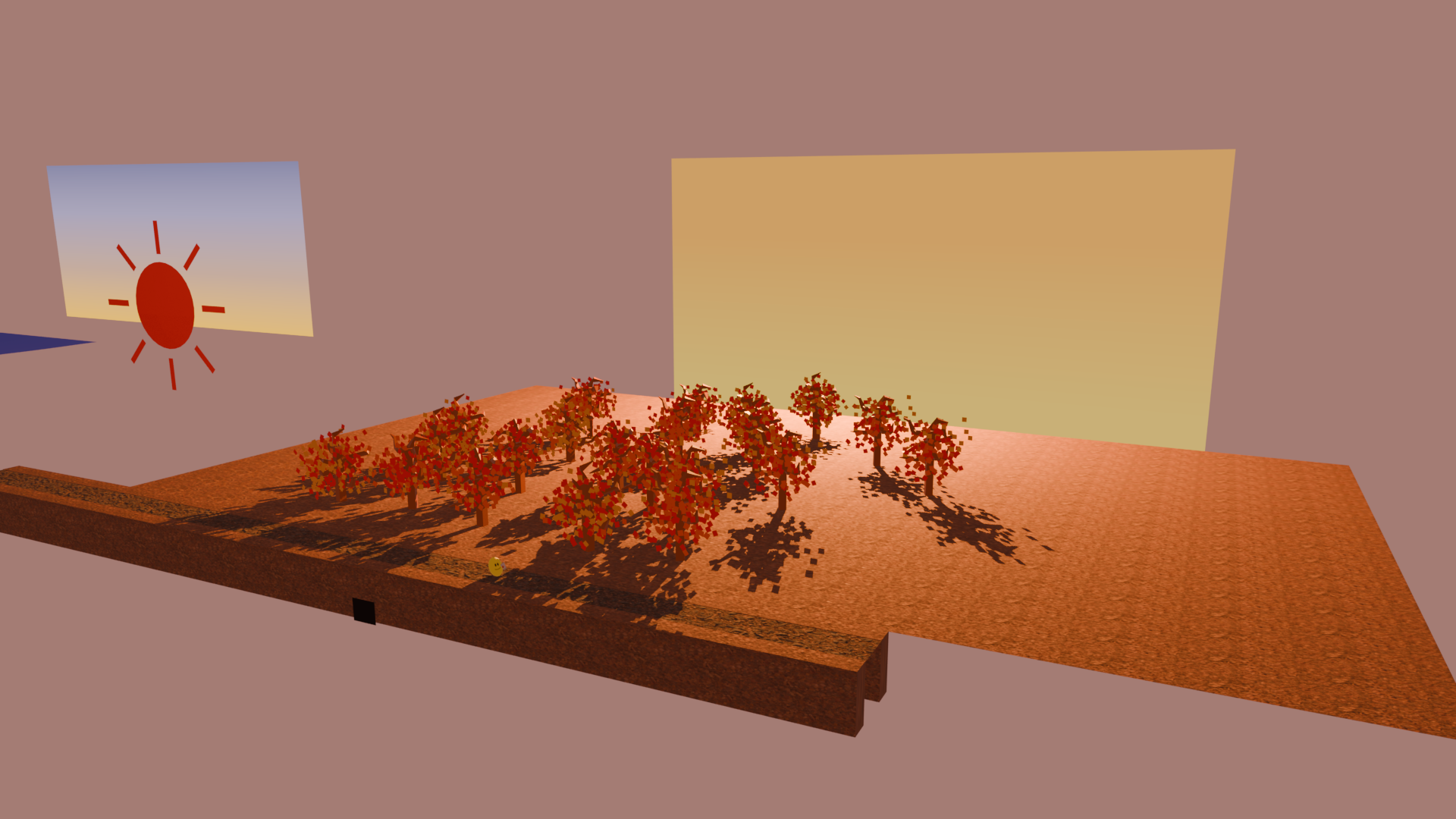
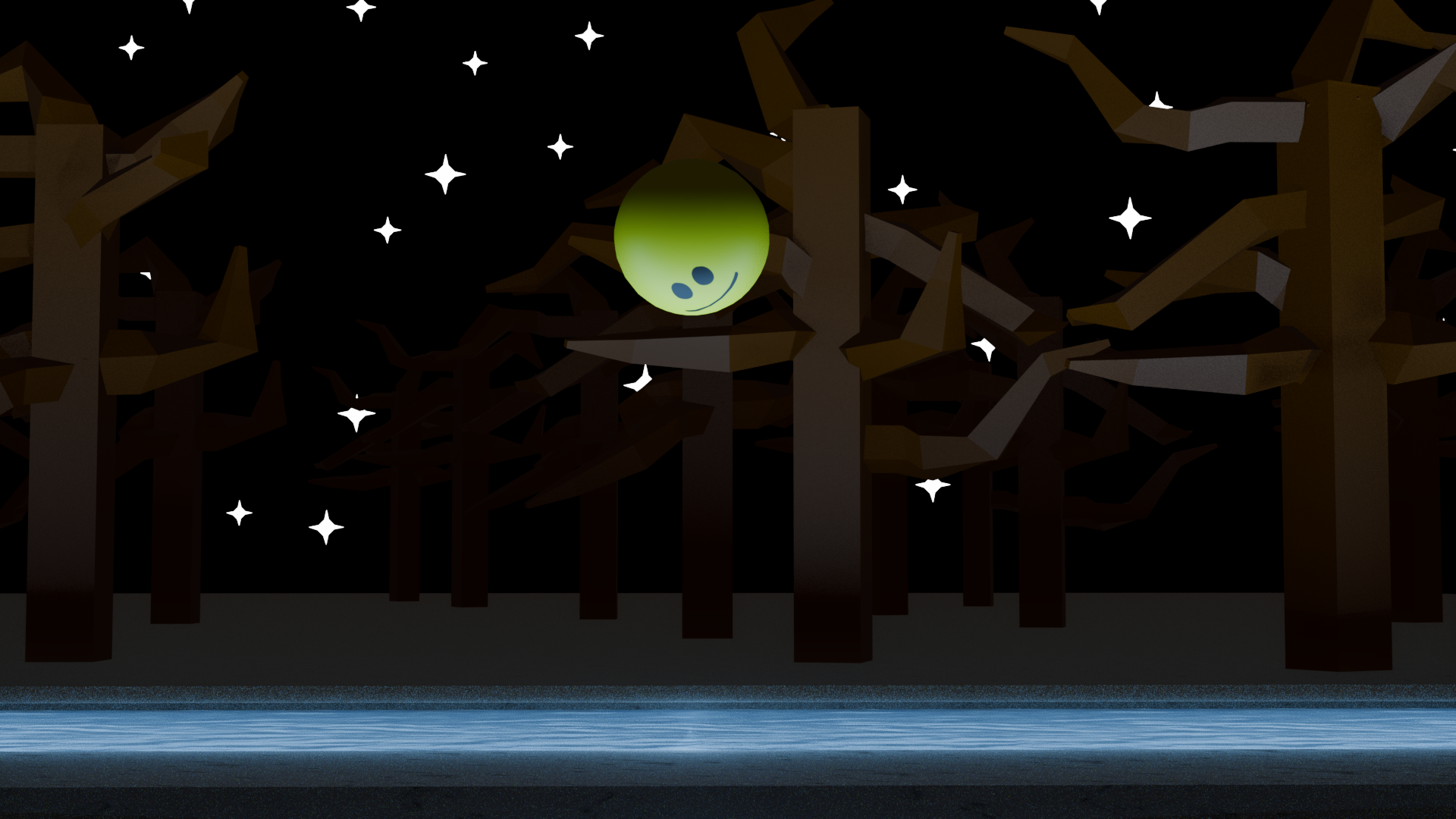
Commentary
This was scope creep, the project. I had to significantly scale back ideas in the interest of time. The tools used in this project are similar to the previous projects, so the following are just a bunch of techniques I used for various parts of the animation.
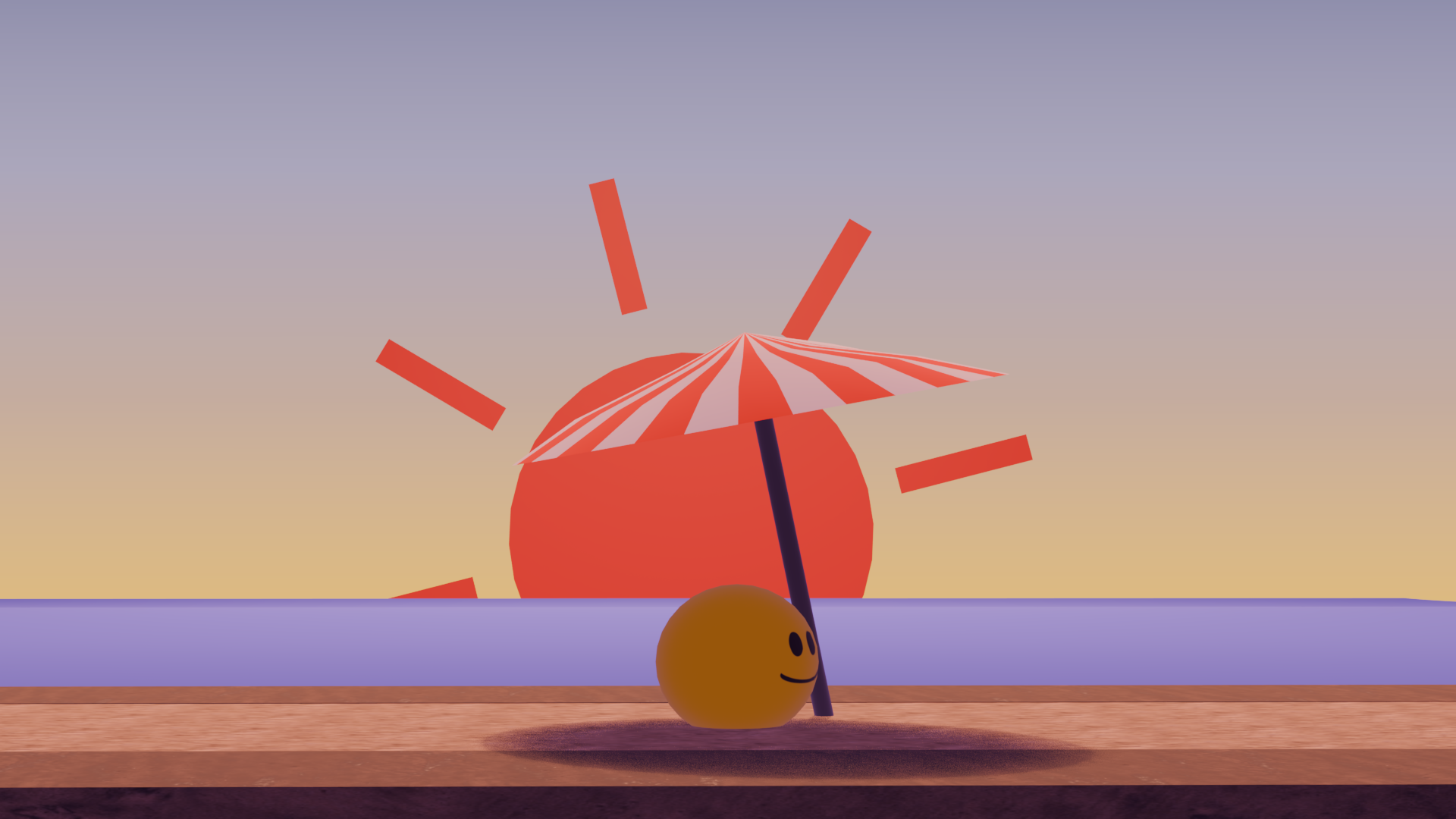
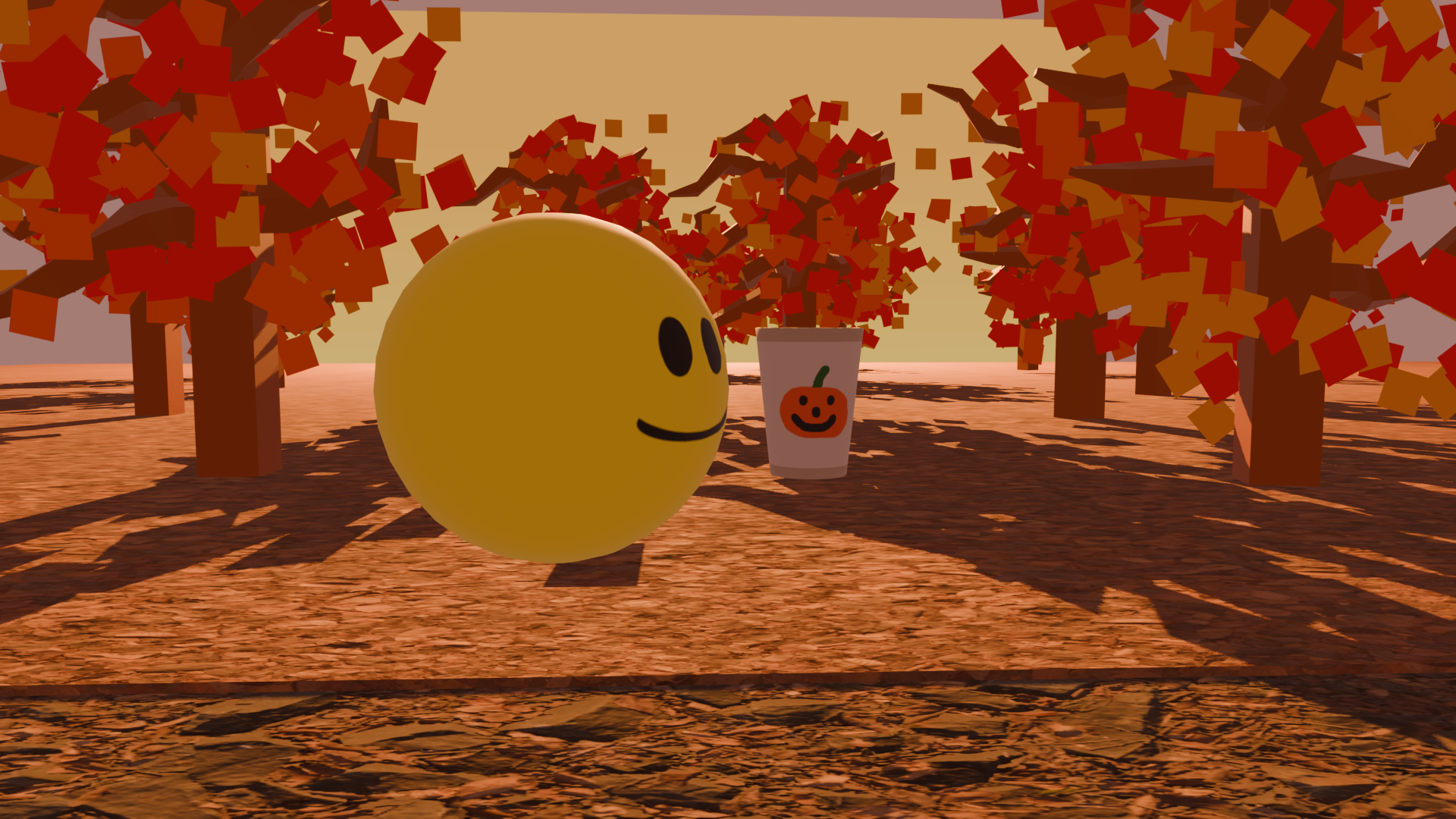
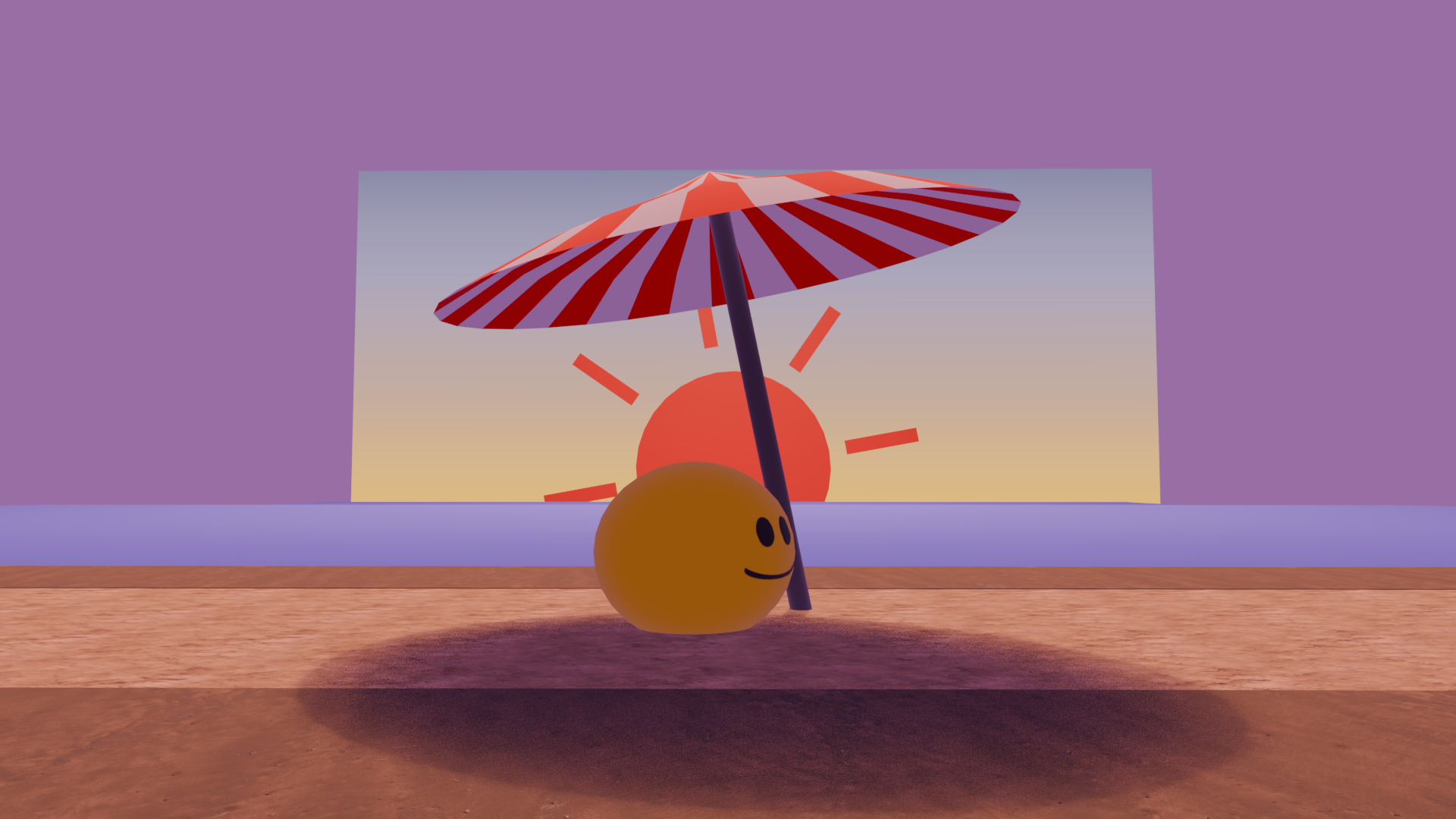
- I set the moods of scenes by alternating global illumination, giving a subtle color difference to lighting and even shadows.
- Using the "hair" particle system is a convenient way to randomly generate collections of an object across a surface.
- It is not exactly possible to create a bloom effect in the basic render process. I emulated the bloom in the winter scene by creating two long plane lights, one pointing down onto the path, and another pointing upwards to illuminate the ball and the surrounding trees, but nothing else.
- The graph editor is your best friend for fine tuning movements, like adjusting bezier curves to have an ease in but not an ease out to replicate acceleration due to gravity.
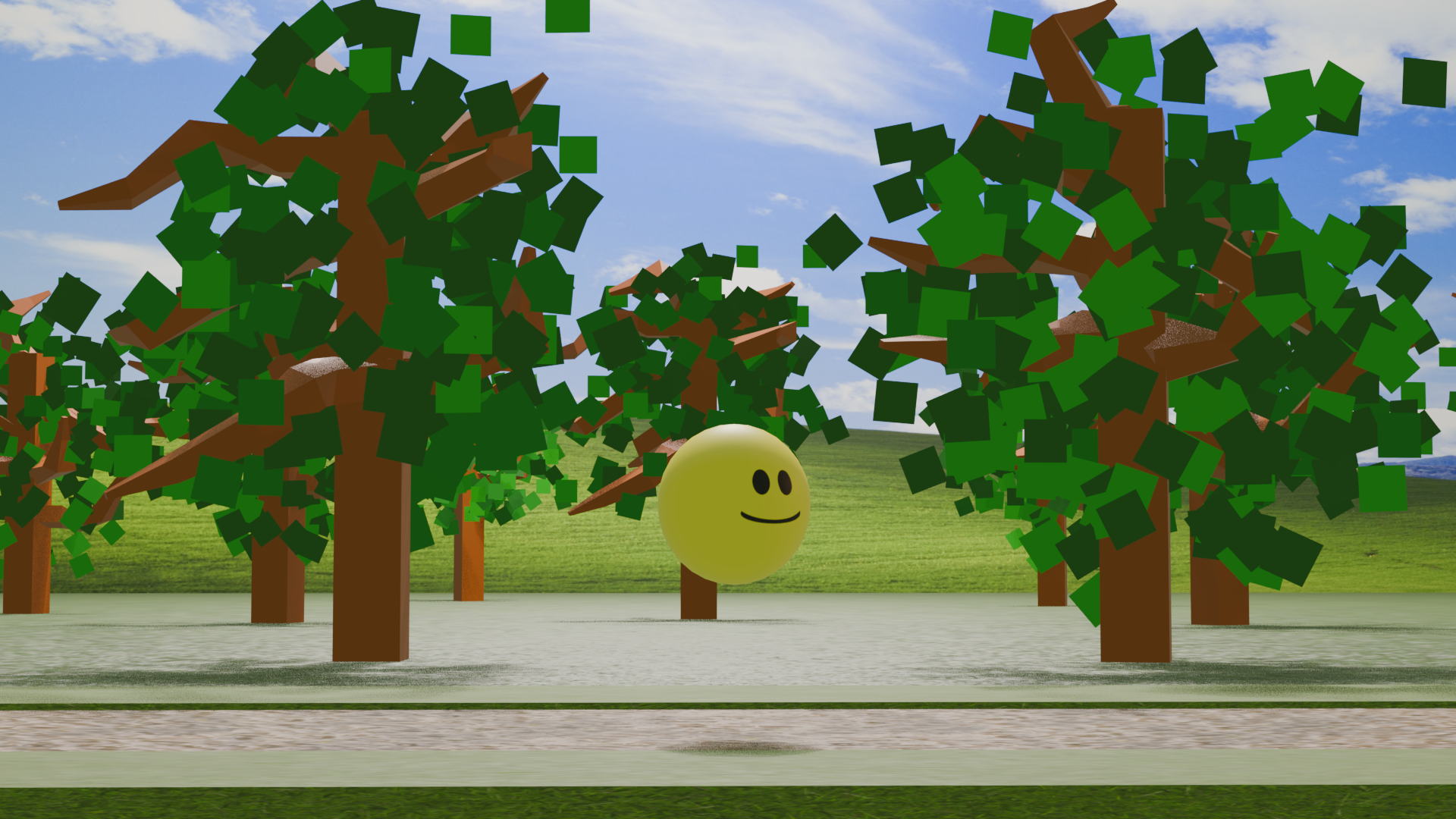
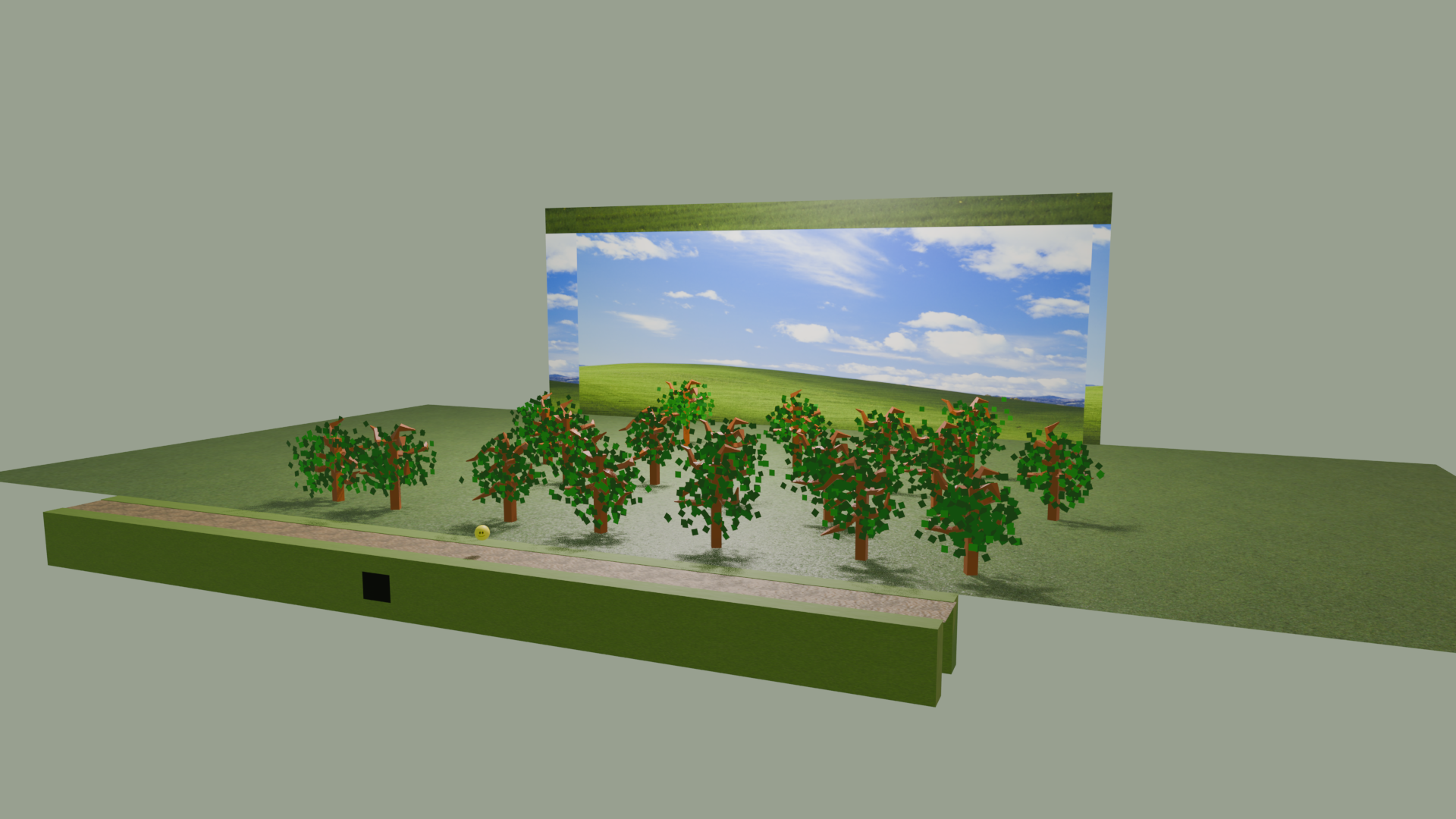
- The camera was angled in such a manner to help create an illusion of distance, as it can be seen from the stills.
Texture sources
All models were created by me, but I got all of my textures from the following three sites:- freepbr.com: A good collection of decent PBRs
- polyhaven.com: A limited, but excellent collection of PBRs, HDRIs, and models
- texturecan.com: This is where I got the ice texture from