- Animation -
Image to Domino

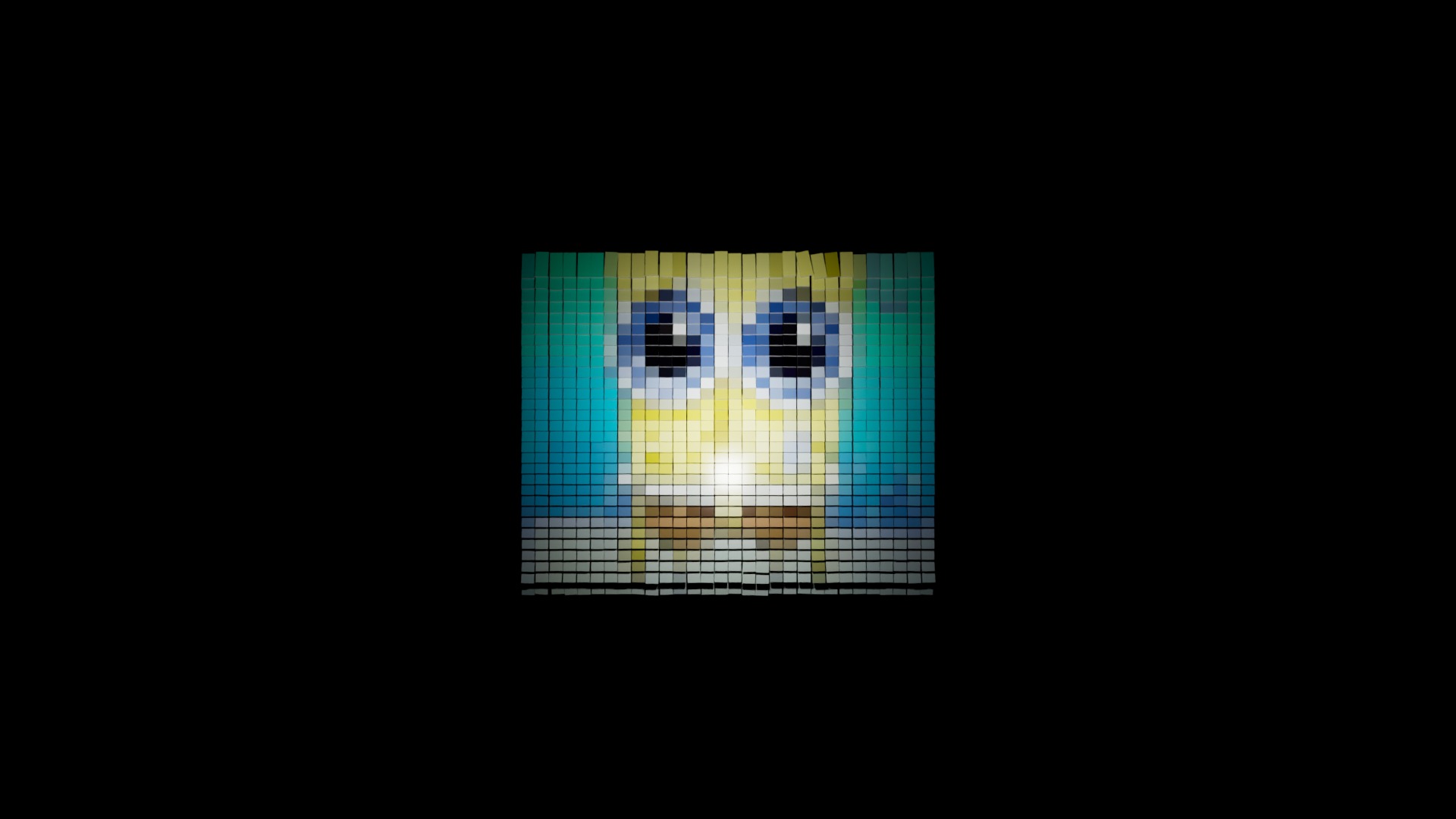
Scripting Difficulties
I had alot of difficulty scripting the feature where only one face of the dominos were colored:
Below is my implementation for reference how:
Note: This implementation only works in the Arnold renderer.
However it could be easily adapted to the normal renderer using stander materials
### - - - Assign Materials to faces of dominos - - - ###
#Create Materials and connect them to the MASH color node

fMatName = "frontMaterial"
colorDN = "colorDataNode"
frontFace = cmds.shadingNode('aiStandardSurface', asShader=True, name=fMatName)
dataColor = cmds.shadingNode('aiUserDataColor', asUtility=True, name=colorDN)
cmds.setAttr(f"{colorDN}.attribute", "colorSet", type="string")
cmds.connectAttr(f"{colorDN}.outColor",f"{fMatName}.baseColor")
##This attribute needs to be set for aiUserDataColor to work
cmds.setAttr("mash_ReproMeshShape.aiExportColors",1)
You start by creating a 'aiStandardSurface' and 'dataColor' to connect the material to the Mash Color Node's Color Set
Then create a shader group, to later assign certain faces too.
##Create and connect shader groups to materials
fsgn = f"{fMatName}SG"

cmds.sets(renderable=True, noSurfaceShader=True, empty=True, name=fsgn)
cmds.connectAttr(f"{fMatName}.outColor", f"{fsgn}.surfaceShader", force=True)
#Select just front faces of dominos
for i in range(2,size*size*6, 6):
cmds.select(f"mash_ReproMesh.f[{i}]", add=True)
selection = cmds.ls(selection=True)
#Assign shader group to selection
cmds.sets(selection, edit=True, forceElement=fsgn)
Finally, use a for loop to iterate through the MASH's ReproMesh and select only the desired faces to apply color too.